









لماذا نرسم سير العمل قبل تصميم أي شاشة
نقضي الأسبوع الأول من كل مشروع مع الأشخاص الذين يقومون بالعمل. هذا ما نبحث عنه.

هذه الصفحة متاحة بالإنجليزية حاليًا.
Clients usually arrive with a list of screens. We ask for something else first: walk us through a normal day, and the day something goes wrong.
Following a flock
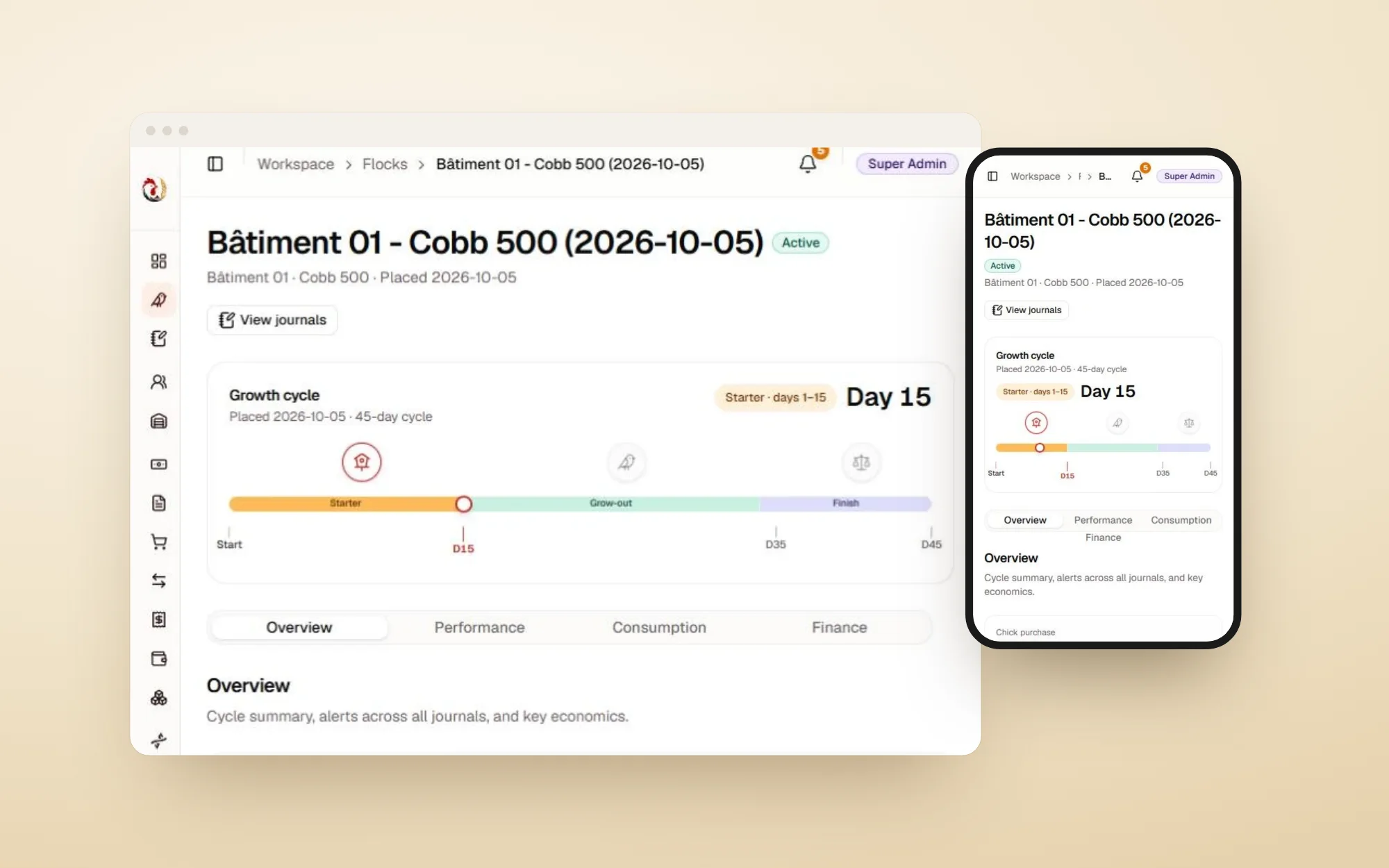
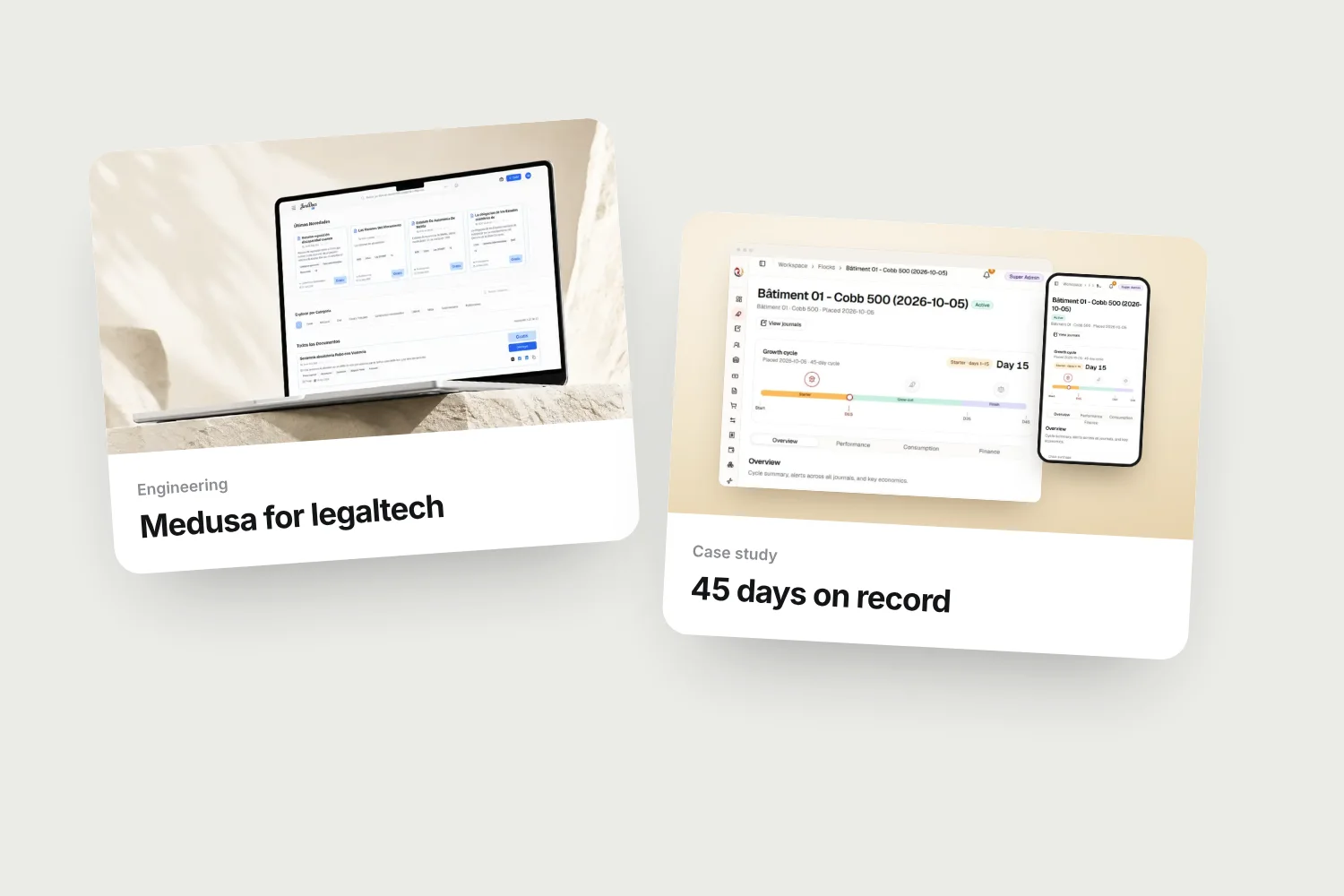
For BCFM, a poultry farm, that meant following one flock from chick delivery to sale, about 45 days, and every payment along the way: feed, chicks, medicine, wages and sales, moving through several wallets, suppliers and clients.
That map showed us things no feature list would have:
- The people in the buildings record numbers on a phone, between tasks. Their screen had to take seconds, not minutes.
- Money moves in ways a simple “income and expenses” table can’t hold: debts, discounts, partial payments, backdated operations. So BCFM has a single ledger behind everything, and balances always add up.
- The farm hands out paper: delivery notes, invoices, receipts. Those had to come out of the system, in French or Arabic.
What we write down
By the end of the first week we have:
- Who uses the product, and where they are when they use it.
- What happens today, step by step, including the workarounds.
- Where work gets stuck, lost or done twice.
- Which numbers the owner wants to see and can’t.
Only then do we sketch screens, and the screens tend to be fewer and simpler than the original list.
Why it pays off
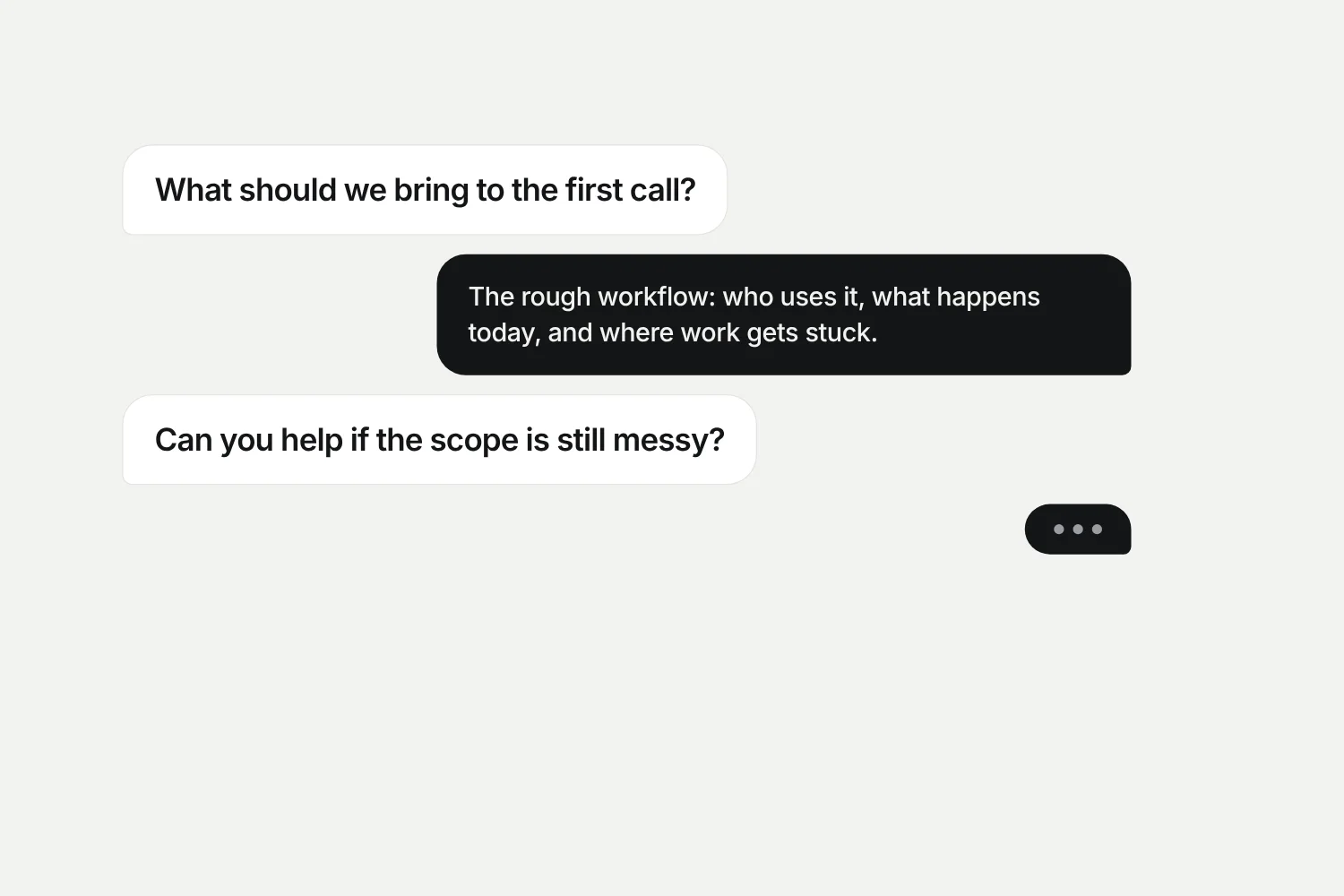
Rework is the most expensive thing in software. A week spent understanding the work removes whole features nobody needed and finds the one that matters most. If your scope still feels messy, that’s fine: mapping it is exactly where we start.